
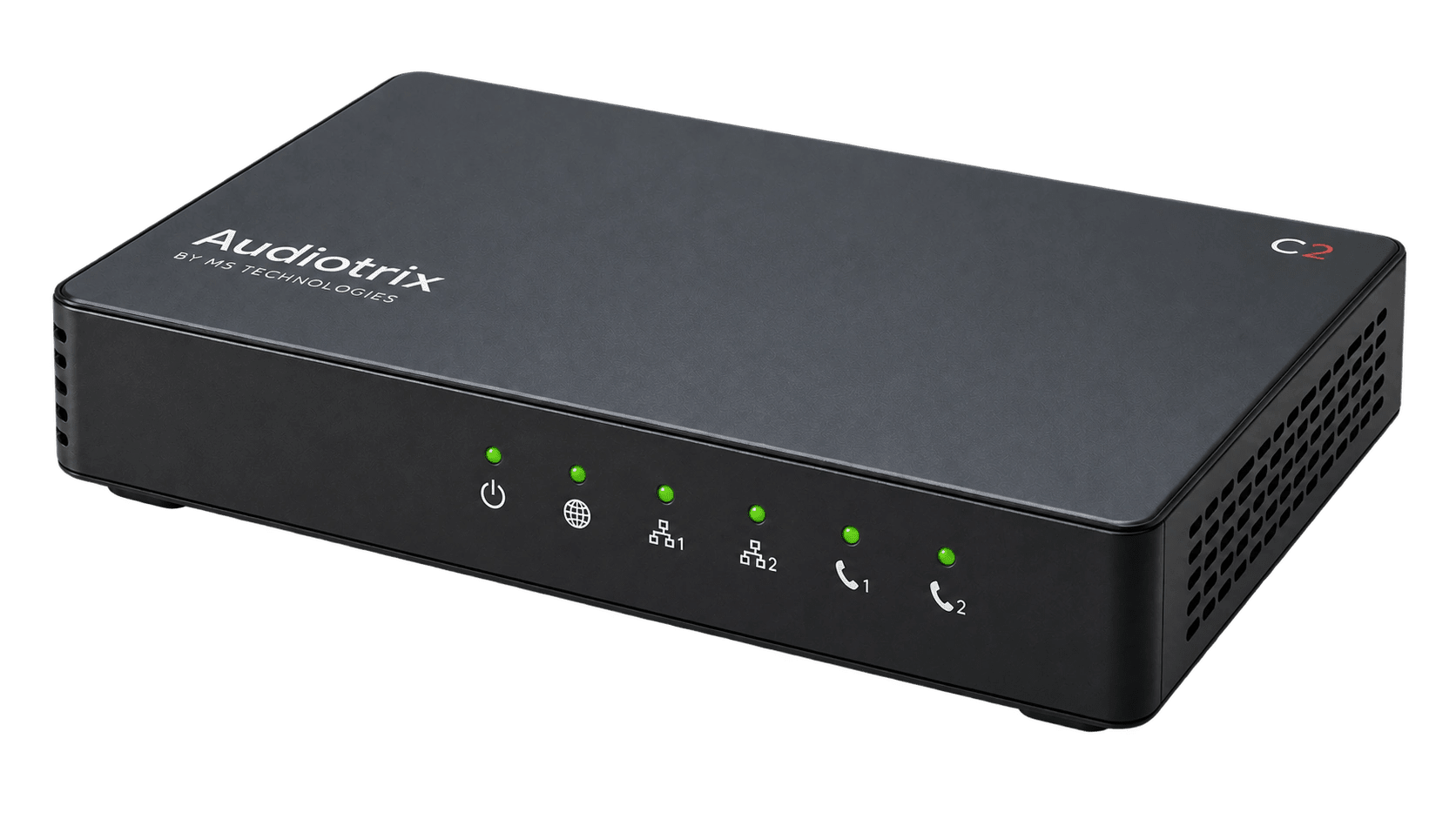
C2
2 FXSResidential, SOHO and two-line sites
Check availability and firmwareConnect analog telephones to a SIP service. Choose the number of FXS ports, then validate the firmware and the services you need.
Residential, SOHO and two-line sites
Check availability and firmware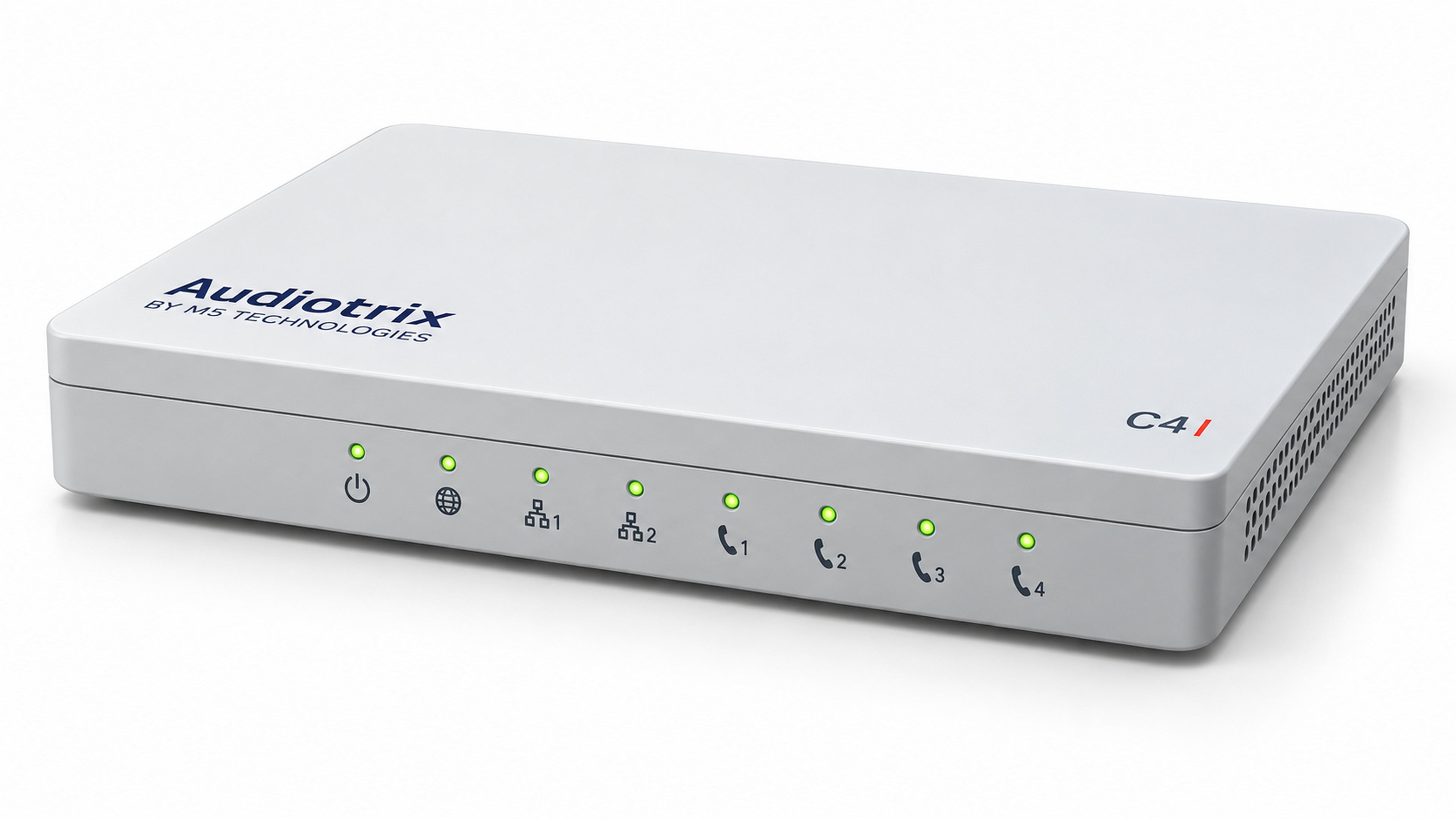
Sites with up to four analog connections
Check availability and firmwareC4 shown. C8 configuration differs.Sites with up to eight analog connections
Check availability and firmwareDownload the current Audiotrix C2 and C4/C8 product brochures from M5 Technologies. PDFs are in English. Confirm the exact model and configuration before ordering.
A listed T.38 feature does not establish compatibility with every fax machine, carrier or firmware version. Before choosing one ATA for both voice and fax customers, test your actual service.
Record the exact ATA model, hardware revision, firmware, carrier and sending/receiving fax models.
Include both directions, short and long documents, ECM on/off where applicable, T.38 negotiation and the intended G.711 fallback.
Provide reproducible steps, timestamps, expected and observed results. Arrange secure transfer of sanitized SIP/media traces with support.
Do not infer a device’s SIP stack or media implementation from its enclosure or from another product using M5T software. Ask M5 to confirm the software and maintenance scope for the exact Audiotrix revision you are evaluating.
A fix or delivery date can only be confirmed after technical review of the exact build and a reproducible test. Request a written assessment of support ownership and the proposed next step before committing to a rollout.
Use documentation explicitly applicable to your model and firmware. The DGW fax guide in the resource directory is for the DGW platforms it documents; it is not an Audiotrix configuration guide.
Tell us which model, firmware and call behavior you need to evaluate.
Existing support case? Open the support portal ↗