
Secure my SIP trunk
Separate the carrier network from your PBX with SIP policy and controlled routing.
Physical or virtual; size concurrent sessions, codecs and resilience.
Explore Sentinel session border controllers, Mediatrix gateways, Audiotrix ATAs, DGW firmware and M5T embedded voice technologies.
This guide narrows the product family. Confirm the exact model, software and service compatibility before ordering.
Separate the carrier network from your PBX with SIP policy and controlled routing.
Physical or virtual; size concurrent sessions, codecs and resilience.
Connect Teams Phone to a carrier or existing voice system through a supported Sentinel SBC configuration.
Confirm the certified release and topology on Microsoft’s current list; analog devices require a gateway as well.
Keep compatible phones and devices while moving their connection to a SIP service.
Count FXS endpoints and test fax, power backup and provider compatibility before retiring a line.
First identify the PBX handoff: SIP, analog, BRI or PRI. The interface determines whether you need an SBC, a gateway or both.
Match the exact interface and simultaneous call requirement to the ordered configuration.
Run the SIP security boundary on supported virtual infrastructure.
Confirm the hypervisor, CPU allocation, media workload and licensed sessions in an evaluation.
Use FXS ports to connect analog endpoints to an IP voice service; FXO connects toward an analog line.
Select the port count and test the actual fax endpoints and provider when T.38 is required.
Bridge compatible digital PBX trunks to SIP using the correct digital interface.
PRI and BRI are different interfaces. Confirm protocol, clocking, modules and voice channels.
Start with the complete service and acceptance requirements, then choose connectivity and routing equipment.
No automatic product recommendation: validate location, power, monitoring, carrier handling and local approval with the responsible parties.
Choose the software layer your engineering team needs: SIP signaling, an embedded voice application or media processing.
Review processor, operating system, APIs, codecs, expected volumes and licensing with the OEM team.
Separate office, operational and emergency voice requirements, then define a repeatable site architecture.
Review SIP boundaries, legacy interfaces, failure behavior and operational ownership; product selection does not establish regulatory compliance.
Sentinel session border controllers connect carriers, PBXs and Microsoft Teams.
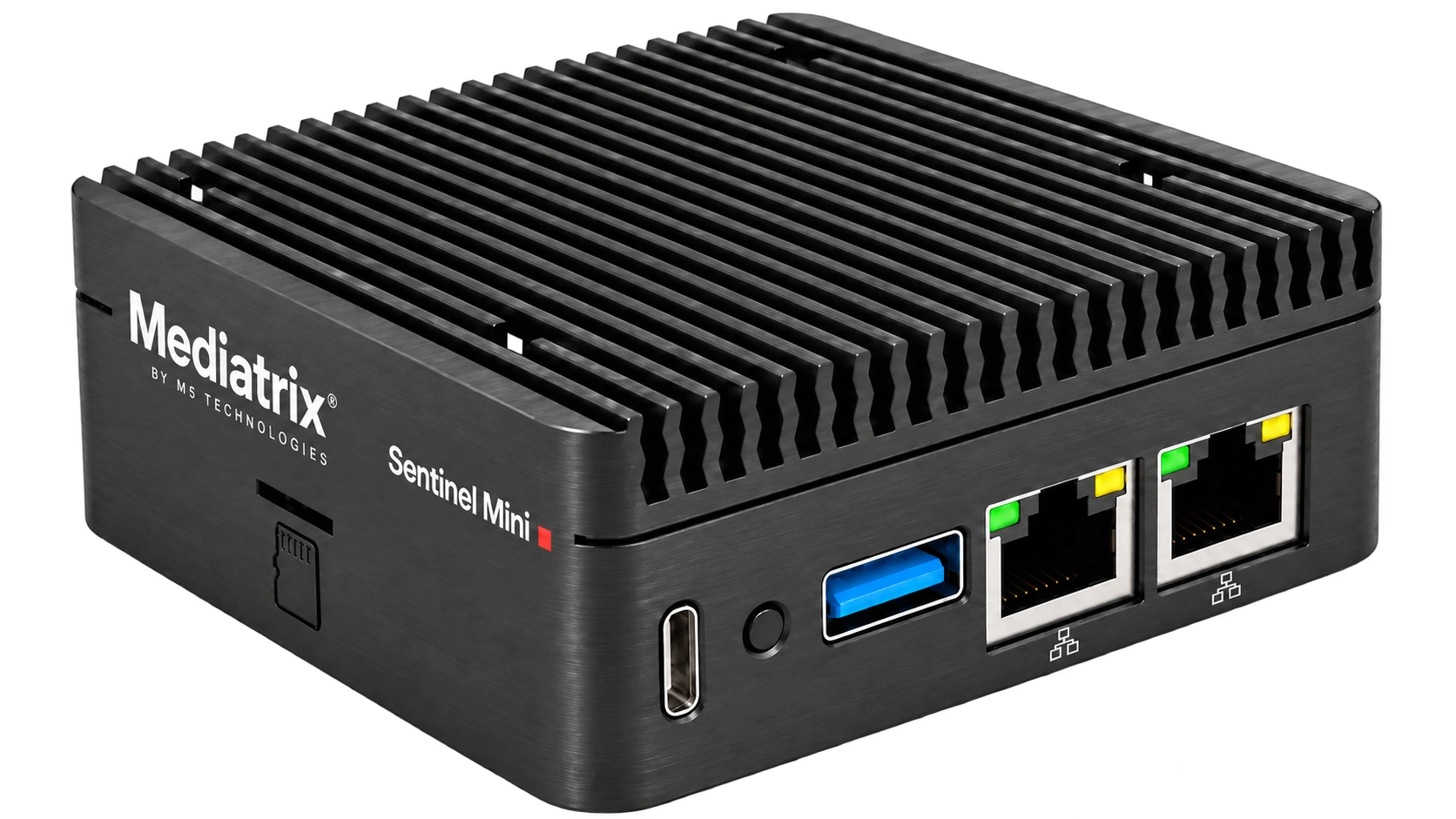
A compact SBC for a branch or a dedicated SIP edge.
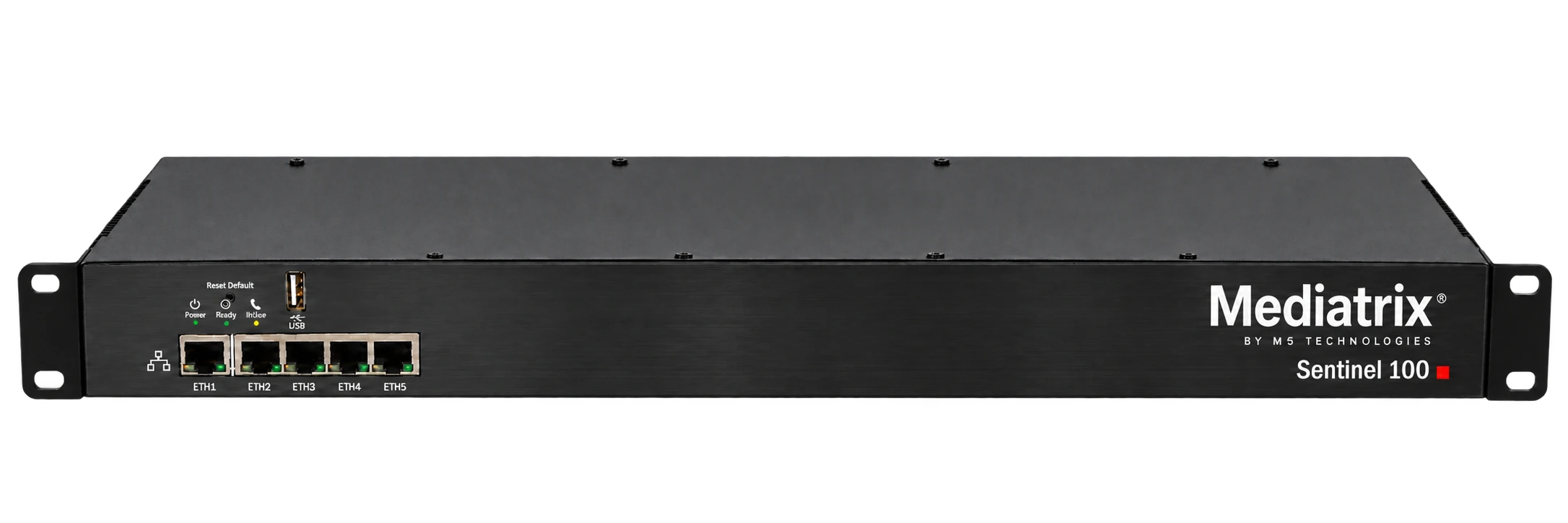
A rack appliance when SIP security and legacy connectivity must share one platform.
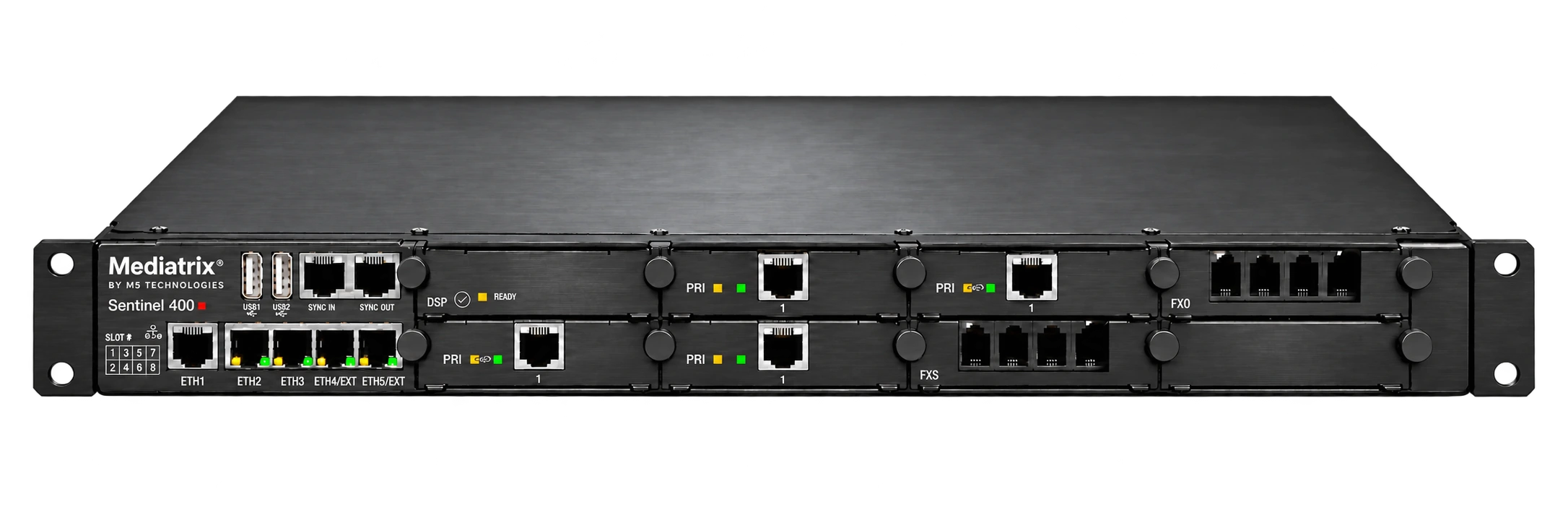
A modular voice edge for sites with mixed telephony interfaces.
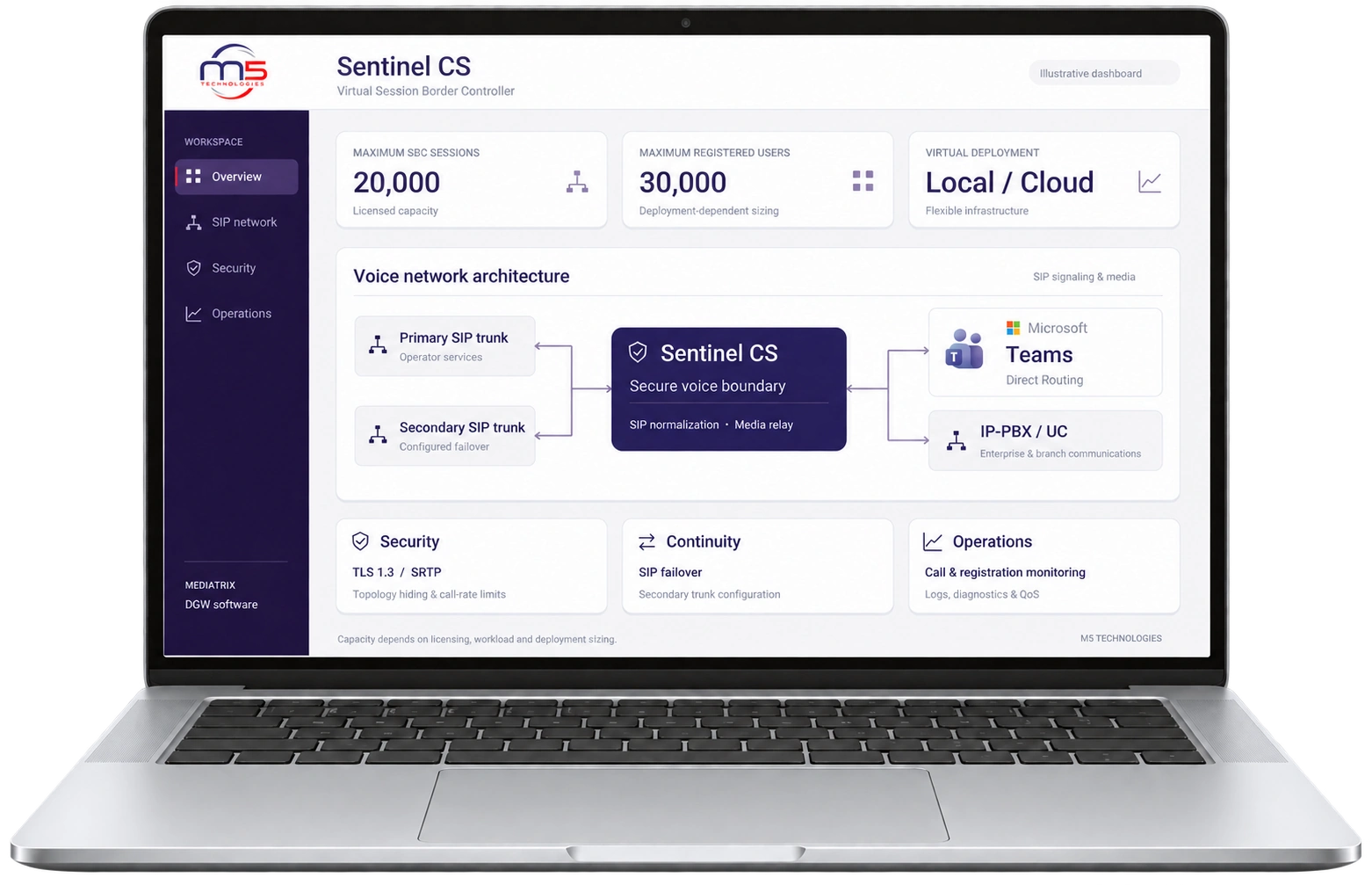
An SBC deployed on your virtual infrastructure.
Audiotrix and Mediatrix: choose by connection type and line count.
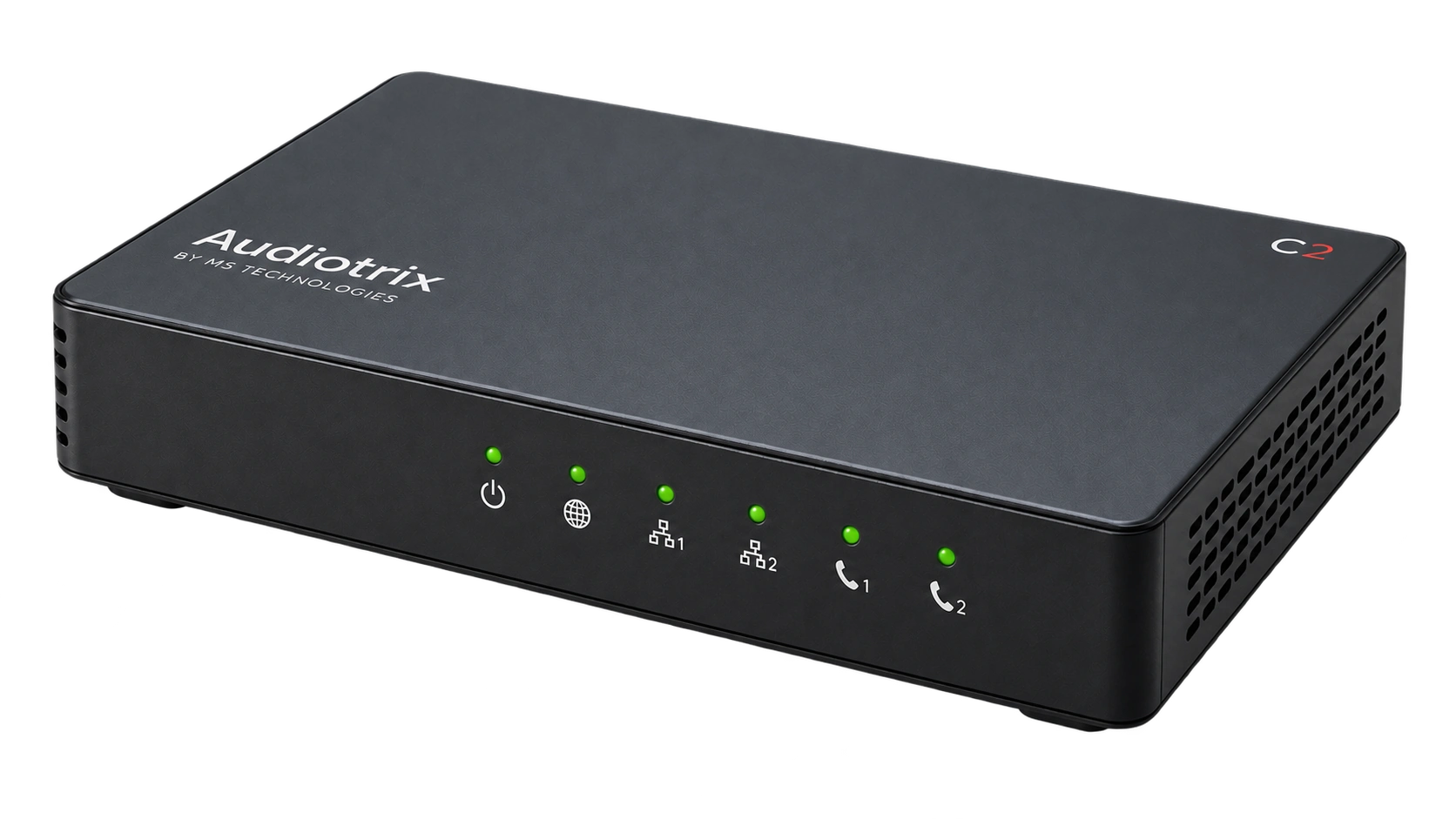
Choose 2, 4 or 8 FXS ports for analog phones and small sites.
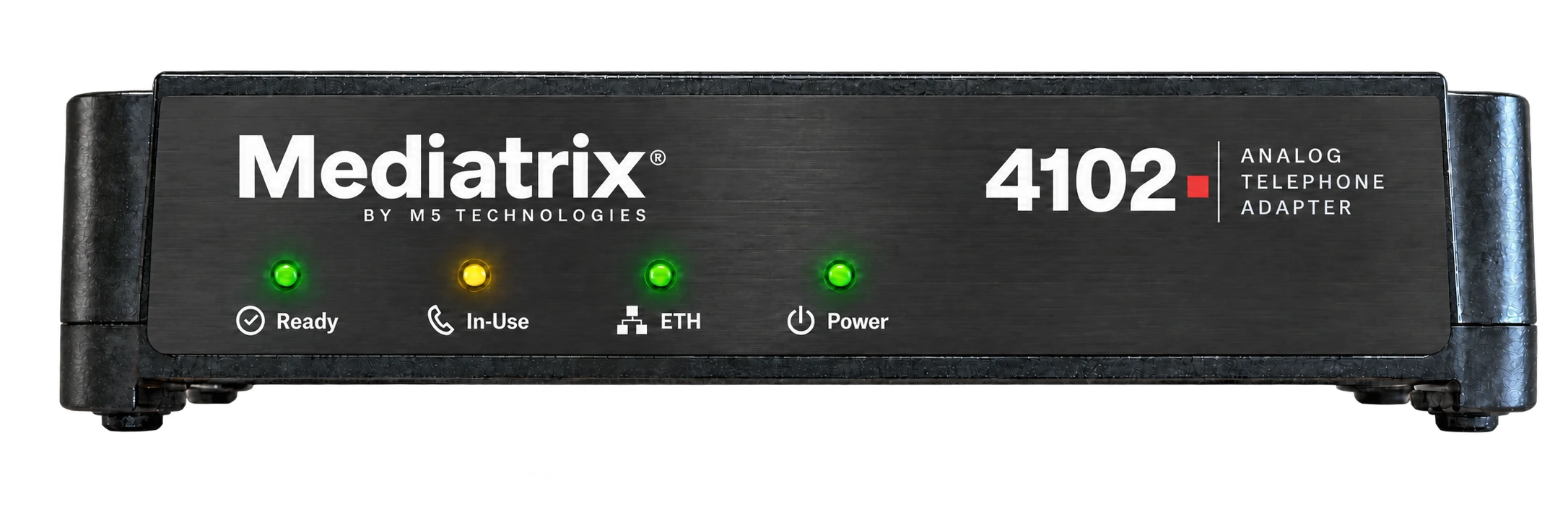
Connect two analog endpoints to an IP voice service.
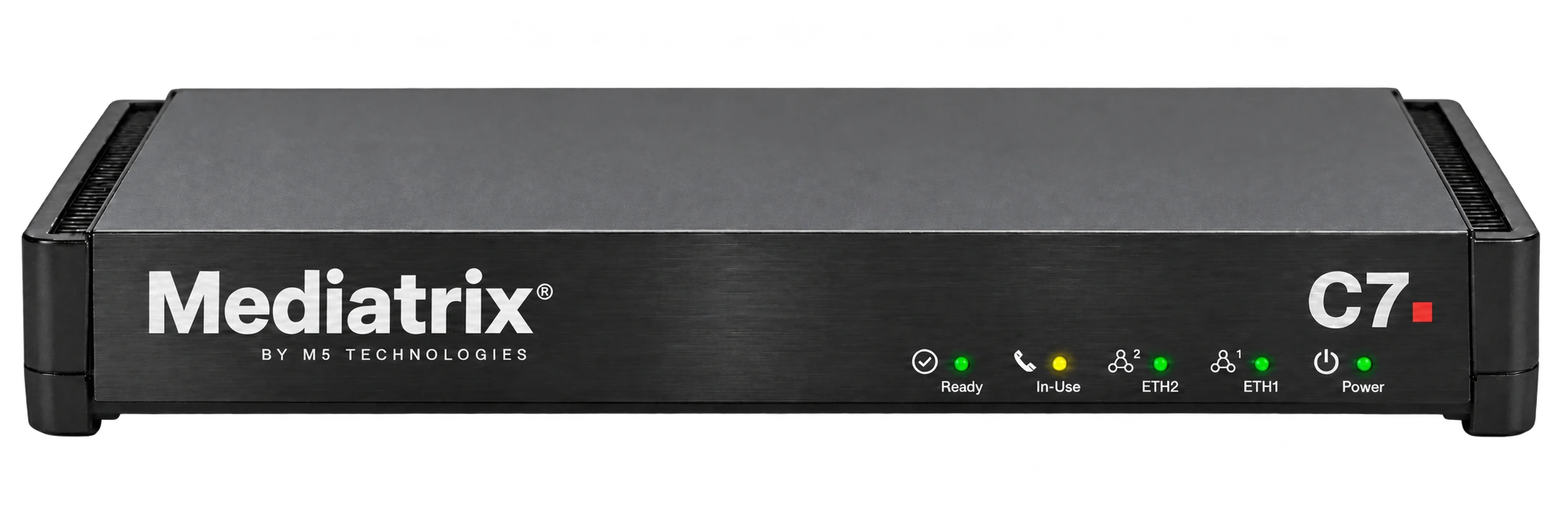
A compact gateway for a small analog or mixed-interface installation.
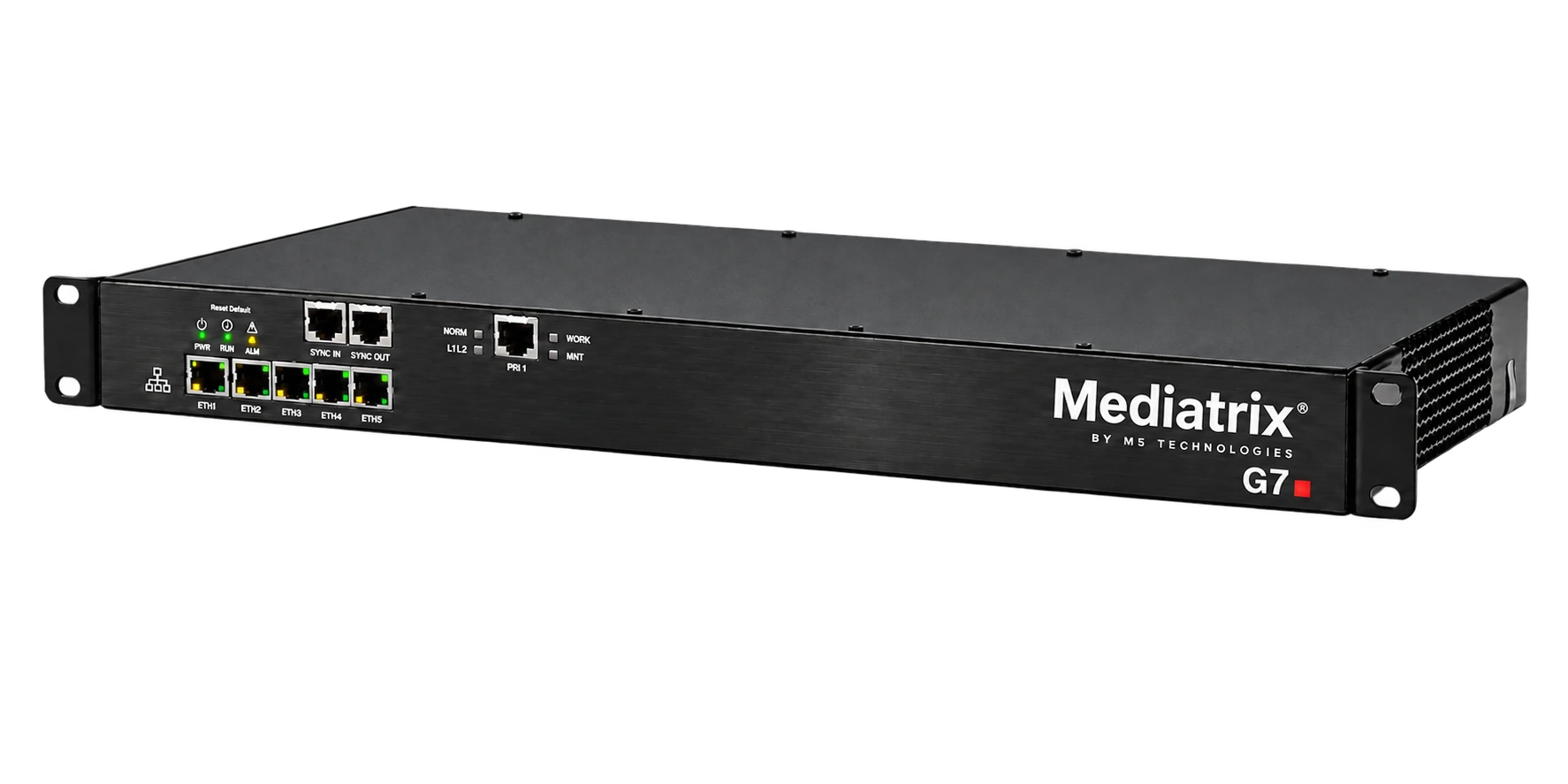
Bridge a legacy PBX or digital trunk to SIP.
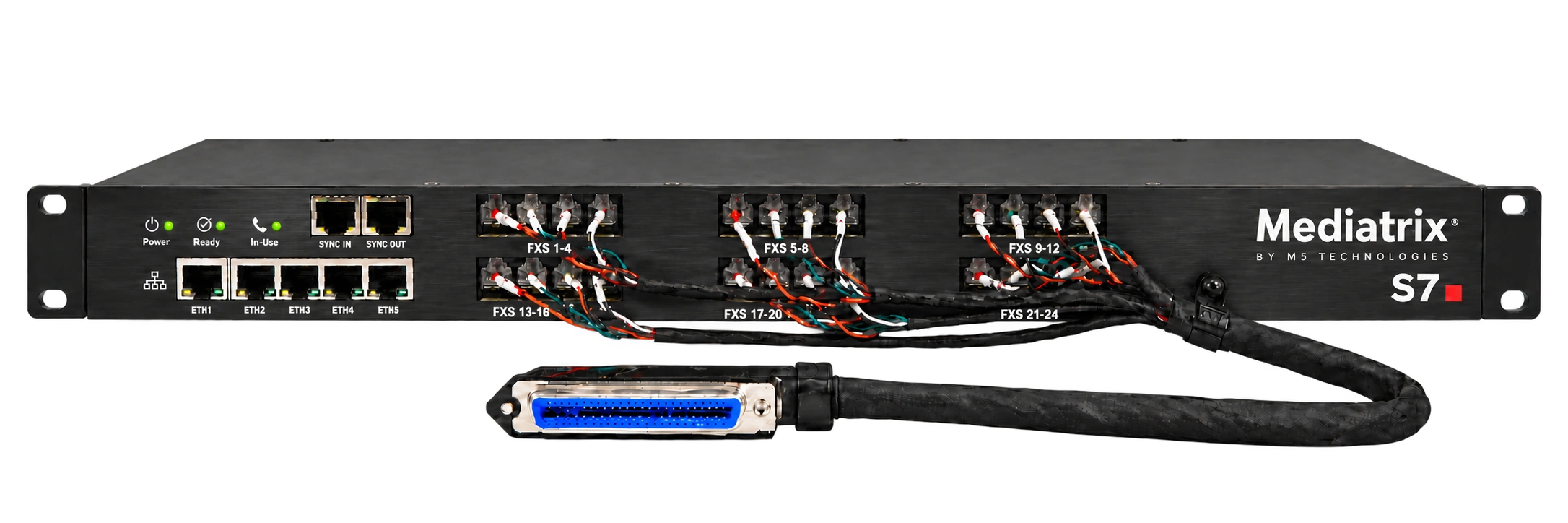
Bring multiple analog extensions onto an IP network.
DGW for M5 platforms; M5T for embedding voice in your own products.
Configure and operate supported Mediatrix and Sentinel platforms.
Add SIP signaling to an OEM application or device.
Integrate an embedded voice application into an OEM platform.
Add software-based voice and media processing to your product.
Fax, alarms and emergency devices require validation with the actual service and equipment.